
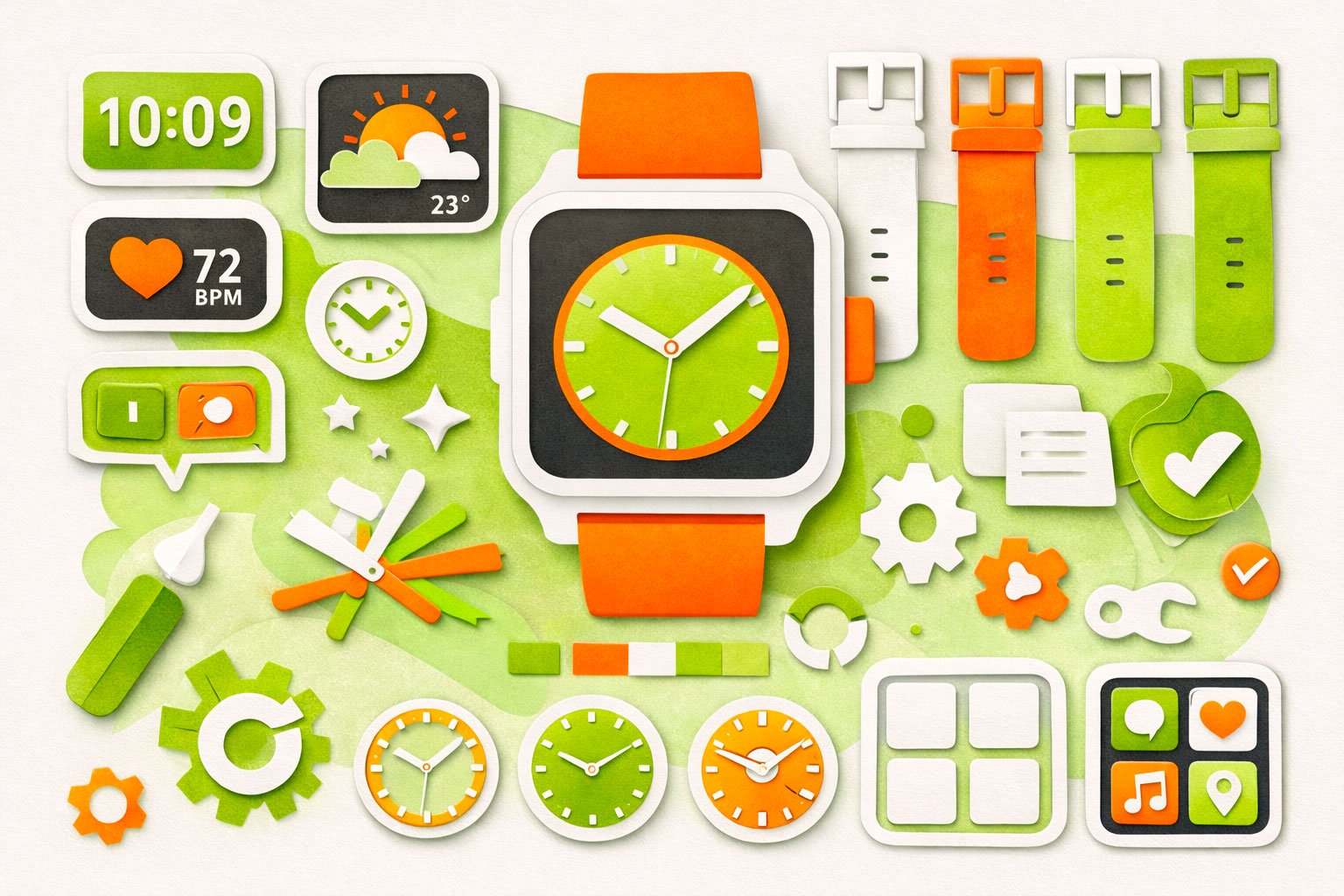
This customization guide shows you how to tailor the Cillso IDW26 Smart Watch to fit your daily routine and personal style. From changing watch faces and adjusting display brightness to managing notifications, health tracking preferences, and shortcut tools, you’ll learn how to make the watch feel truly yours. These simple adjustments can improve comfort, battery life, and how smoothly the watch fits into your everyday life.
Personalize your smartwatch to match your style in just a few steps.
1. Choose a Watch Face in the App
Open the companion app on your phone and browse the watch face gallery. You can select from digital, analog, fitness-focused, or artistic designs.
2. Select a Photo (Optional)
Many models let you use your own picture. Pick an image from your phone gallery to create a truly personal watch face.
3. Download to Your Watch
Tap Download or Sync in the app. Wait while the design transfers to your smartwatch via Bluetooth.
4. Confirm and Apply
Once the download is complete, confirm in the app. The new watch face will automatically appear on your watch.
You can repeat these steps anytime to switch styles — from sporty layouts with activity stats to minimal clock designs for everyday wear.
